TimeDrip
Live Photo to Video - in Slow Motion
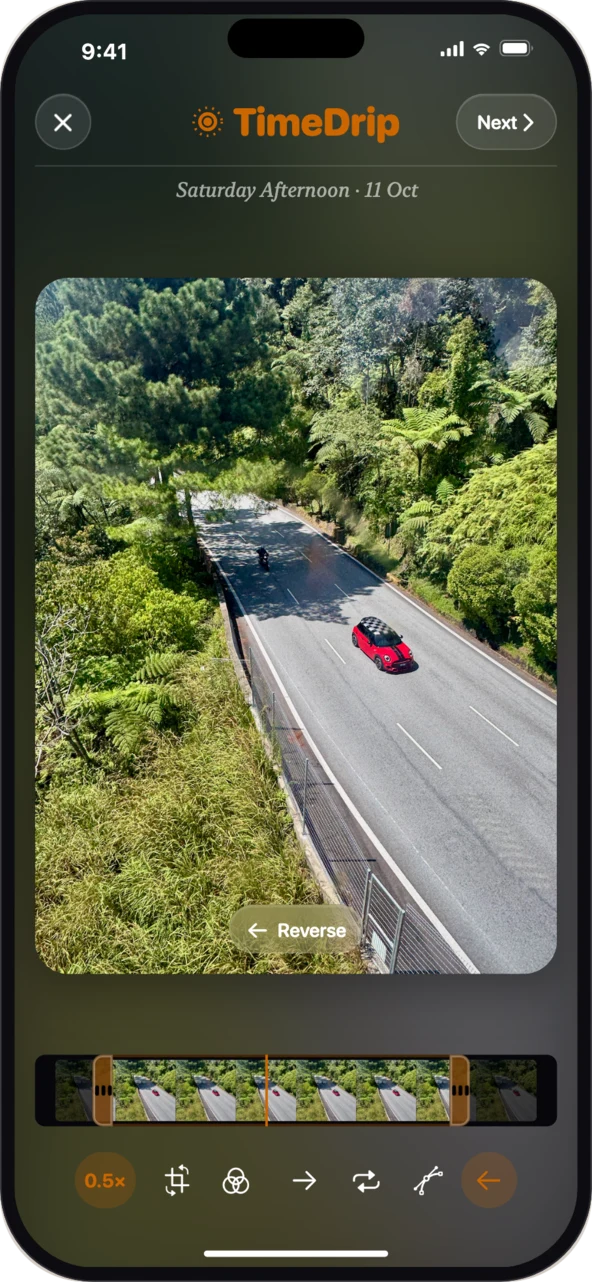
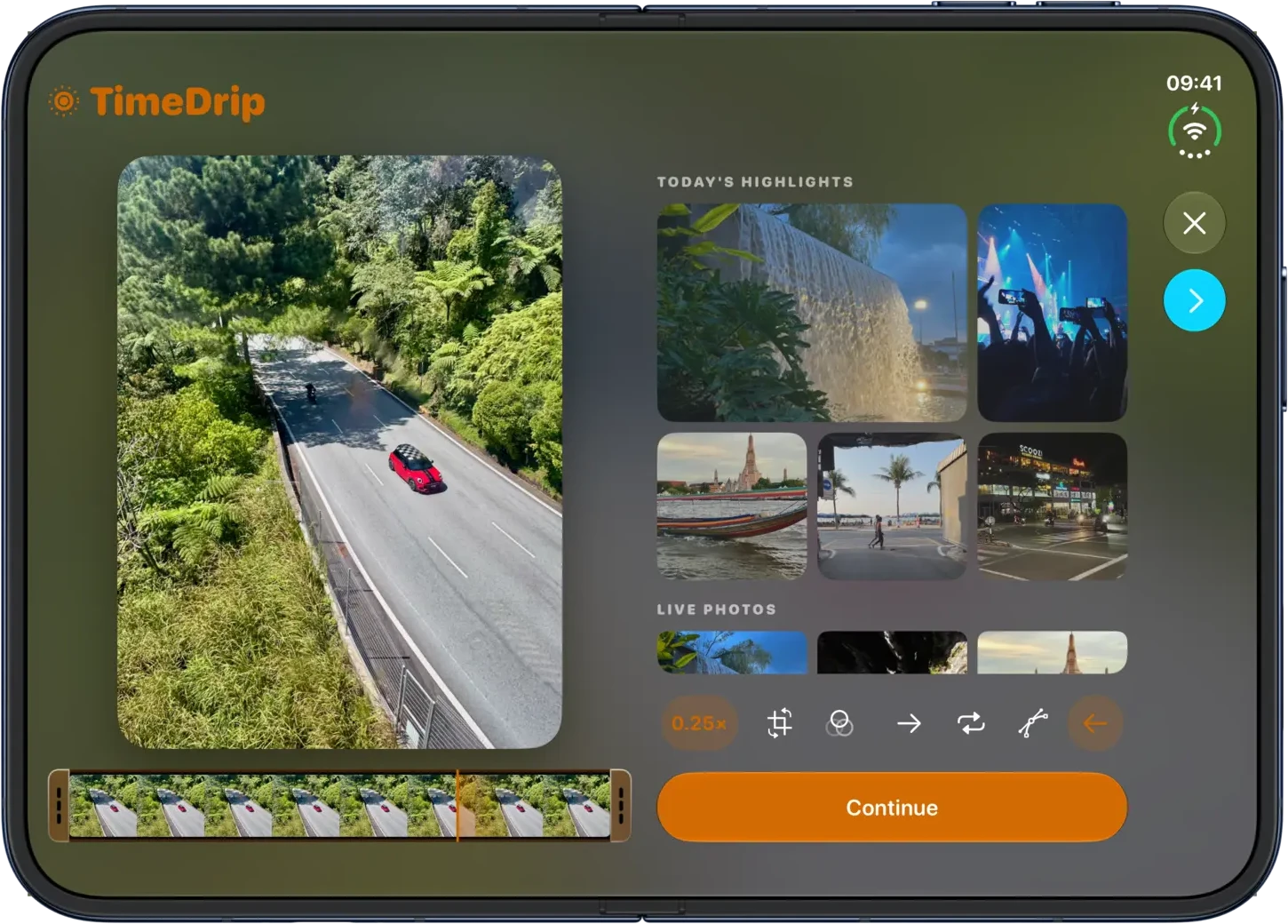
Turn any Live Photo into a smooth slow motion video. Reverse it, loop it, or save it as a GIF, on iPhone and iPhone DUO.
Your photos never leave your iPhone.

The Live Photo Editor for Slow Motion, Loops and GIFs
TimeDrip is an iPhone app that turns Apple Live Photos into slow motion videos, reversed clips, boomerang-style loops and GIFs. Play one forward, in a loop, on a swing or in reverse, at 1/4 speed, 1/2 speed or real time. Trim it, rotate it, crop it to 9:16 for Reels, Stories and TikTok, or to 1:1, 4:5 or 16:9, add a Look, then save it to Photos or share it. Every edit runs on your device.
Guides
How do I turn a Live Photo into a video on iPhone?
Open TimeDrip, pick a Live Photo from your library, choose how it plays, and save it to Photos as a video. The Photos app can also save a Live Photo as a video at normal speed. TimeDrip adds slow motion, reverse, loops and GIF.
How do I make a Live Photo slow motion?
Open it in TimeDrip. Every Live Photo starts in slow motion at 1/4 speed, which stretches the few seconds it captured into a much longer clip. You can switch to 1/2 speed or real time.
How do I reverse a Live Photo or play it backwards?
Choose Reverse and the Live Photo plays backwards. Trim it, pick a speed, then save it as a reversed video or GIF.
Can I make a boomerang-style loop from a Live Photo?
Yes. Loop plays forward and then backward over and over at an even pace. Swing does the same with a glide, easing to a stop at each end.
How do I save a Live Photo as a GIF?
Edit it in TimeDrip, then choose GIF when you save. The GIF keeps your mode, trim and crop, and runs as many whole cycles as fit in 30 seconds.
Does TimeDrip upload my photos?
No. Every edit runs on your iPhone, and there is no account to create. If an original is stored in iCloud Photos, your iPhone downloads it from your own library.
Which iPhones does TimeDrip work on?
Any iPhone running iOS 26 or later, including iPhone DUO, where the editor uses the open inner display in landscape.
Is TimeDrip free?
It is free to download, edit and preview. Saving and sharing your finished video or GIF needs a subscription or a one-time lifetime purchase. Options and prices are shown in the app. All subscriptions and lifetime plans include Family Sharing.